
Is there any planning to buy a new vehicle for personal or business use? Then, really, it is exciting news. But it will be difficult for business owners to have a proper Management of cash flow and tax deduction report. If you are doing business based on vehicles, and a QuickBooks Online user. Then you have the option to categorize vehicle expenses in QuickBooks Online and can maintain them properly without any problem. It can help you to keep a perfect record and make perfect financial decisions for the future.
In this blog, you will learn about the procedure to categorize vehicle expenses in QuickBooks Online and what its benefits are.
What are Vehicle Expenses?
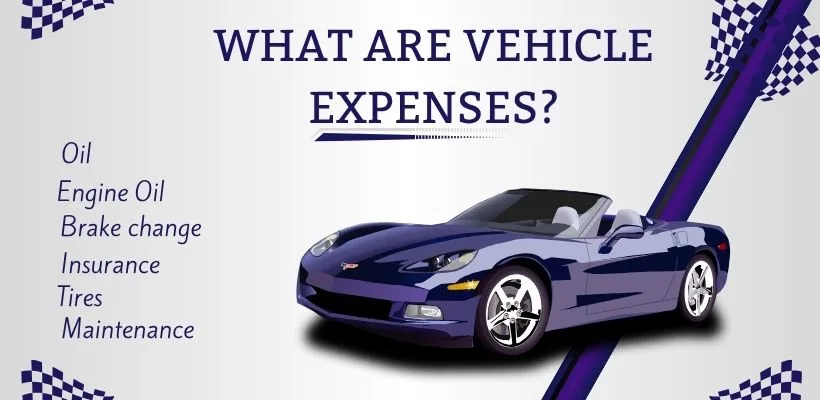
Vehicle expenses are the extra costs that come with buying a new vehicle, which can be for personal use or for business. You have to properly categorize the expenses related to the vehicle, as these are important tasks that should be done every day to enhance the performance of the vehicle. Some of the vehicle expenses are changing of filter, brakes, and the new tyre should fit if necessary.
You have to see if it is necessary to change the engine oil, which can enhance the mileage of the vehicle. Properly fill the necessary liquid in the battery according to the requirement; if required, then replace it with a new battery. Do a proper servicing of the vehicle after running a vehicle for a long distance, and properly obtain the insurance to get relief from higher payments during an accident.
Categorize Vehicle Expenses in QuickBooks Online
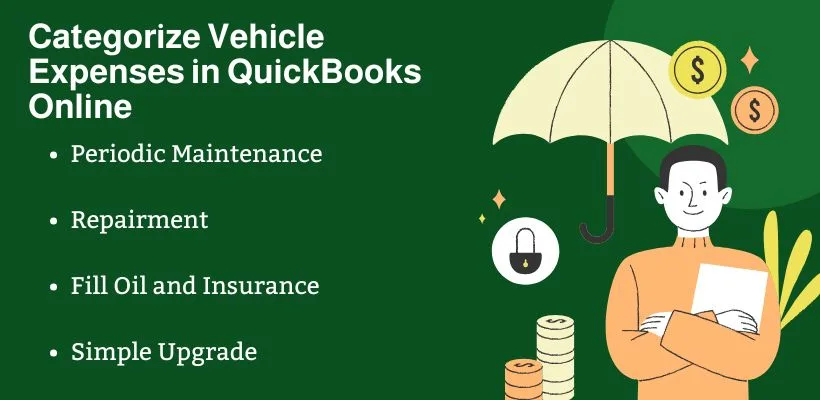
When you categorize vehicle expenses in QuickBooks Online, they come under the operating expenses mentioned in your organization’s financial report. This work should be done day to day to manage the proper condition of the vehicles. Some of the types of categorization work are:
Periodic Maintenance
Under periodic maintenance, you have to keep a proper look at your vehicle’s engine. You have to change the engine oil if necessary for smooth operation. See if the tire needs to be changed or not. All these activities come under the periodic maintenance of the vehicle.
Repair
After properly knowing the different issues that are present in the vehicle. You have to make a different arrangement to repair the issues. This is necessary so that the vehicle will not show any difficulty in the future process at work.
Fill Oil and Insurance
If your vehicle is used regularly and travels long distances, then you should keep the oil tank of your vehicle full. So that it can be used in times of emergency, also. Properly update the insurance plan of your vehicle to prevent spending of huge amount of money in an accidental condition.
Simple Upgrade
Minor upgrade refers to the attachment that does not enhance the vehicle’s life. These are some of the simple modifications done in the vehicle to look attractive. These modifications include colour, lighting, floor mat, or tyres.
Advantages of Categorize vehicle Expenses in QuickBooks Online
Methods of categorize vehicle expenses in QuickBooks Online help the business not only know the useless expenses but also give an idea about the vehicle condition. Some of the common advantages of categorizing vehicle expenses in the QuickBooks Online process are:
- Better Financial Planning: If you properly categorize the expenses, then you can have a better plan to have a proper cash flow in the future.
- Tax Record Preparation: It will perfectly categorize all your expenses, which makes the deduction process easy. This also helps you save some money the paying of tax amount.
- Proper Visualization: You can properly know where the money is actually spentand you can know the point where unnecessary spending is done.
- Fast Decision: It can help you to know which vehicle needs more expenses for maintenance, so that you can make a decision to continue working on the vehicle or sell it.
Method to Categorize Vehicle Expenses in QuickBooks Online
Really, Categorize vehicle expenses in QuickBooks Online is one of the best ways to properly manage your cash flow process. If you also want to set up this process, then you can follow the steps given below:
Set up Expense Categorization
You can set up the new expense category using your QBO application for the categorization process using the simple method that is given below.
- QB Application: Log in to the QuickBooks Online application.
- Setting: Search and click on the setting option.
- Chart of Accounts: Click on the company section, search, and select the chart of accounts option.
- Old Data: Properly check the old data to prevent duplicate entries.
Enter Expense Category
New Option: In the chart of accounts page, click on the New option.
Expense: Select the account type as expense.
Name: Enter the expense name as Vehicle Expenses.
Enter Details: Add all necessary details about the vehicle expenses.
Save: After confirming all the data, click on the save button.
Conclusion
From the above content, you have got a proper idea of how to categorize vehicle expenses in QuickBooks Online. It will be beneficial for you if you own vehicles for personal or business purposes. Better financial flow management and a complete work report provide you with all the ideas about the vehicle’s performance. If you still have any doubts related to the Categorize Vehicle Expenses in QuickBooks Online content, then don’t worry, our QuickBooks team is always ready for you.